Apps to save recipes from TikTok: 5 questions to ask
Five practical questions to ask before you trust an app to save recipes from TikTok: can it extract ingredients and steps, help you find recipes, protect privacy?
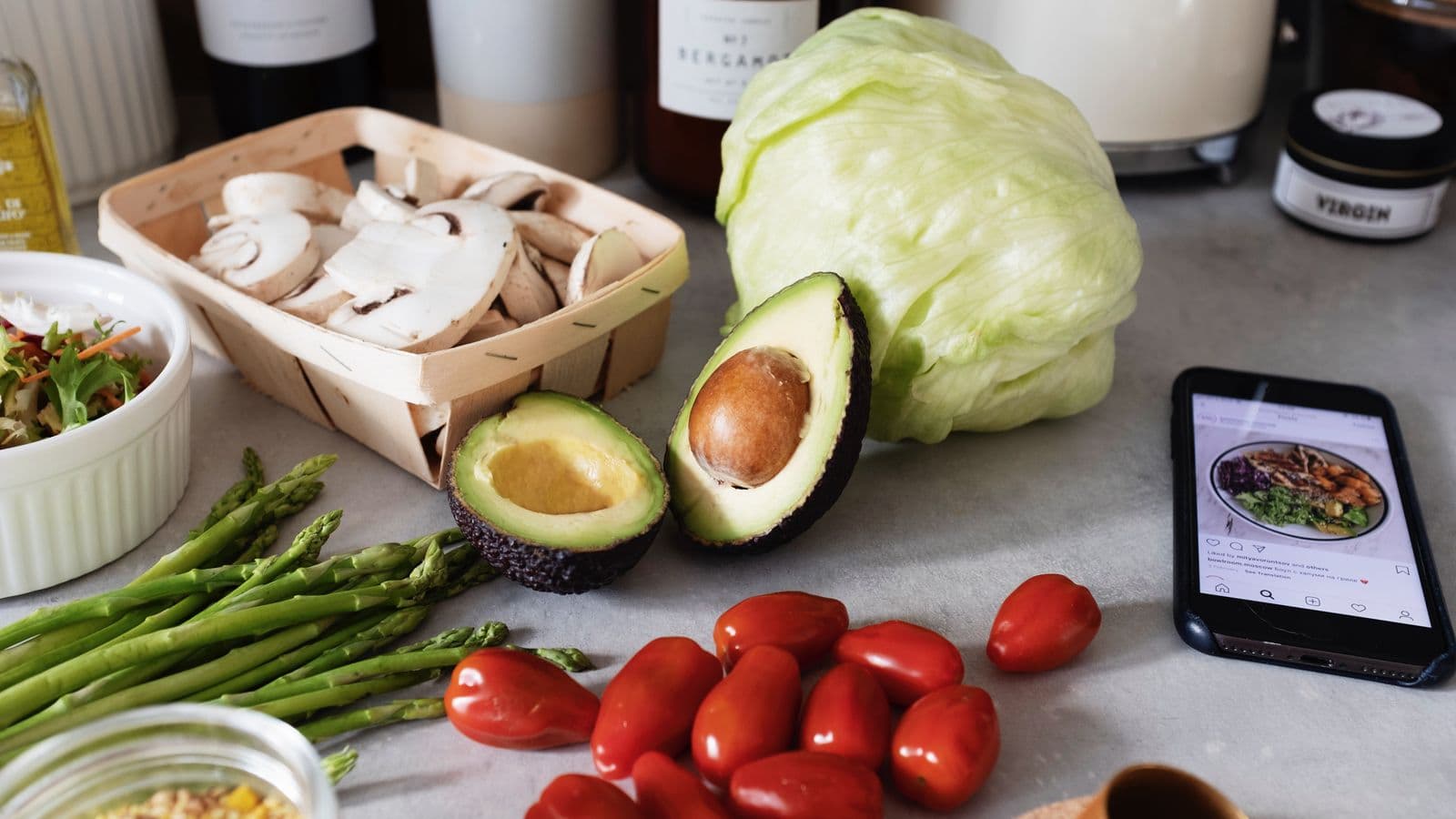
Photo: ready made · Pexels
You have a thousand videos saved on TikTok and you only reopen them to remember a single ingredient. You want an app that is more than a container — one that saves you time: extracts ingredients, steps and quantities and lets you get on with cooking. Before you trust it with all your recipes, ask any app these five concrete questions.
1) Can it actually extract the recipe from the video?
Don’t assume every app does intelligent recognition. You want the app to turn the video into a clear list: separate ingredients, quantities, and the steps in order. Look for these features:
- Import from link: the app must accept the TikTok link (or the Share button) and convert that link into a structured recipe.
- Recognisable text in the steps: if the video gives quantities only by voice, the app should transcribe or offer an editable transcript.
- Support for other sources: YouTube, Instagram and common recipe sites are useful when you save from multiple places.
Don’t expect perfection every time: you’ll often need to correct a quantity or a cooking time. If you want a quick starting point — share the link and get back a structured recipe in seconds — look for apps that explicitly state they import from links. For example, Cucinario takes the link and returns a structured recipe in about 15 seconds, so you can correct it or start straight away.
2) How will you find the recipes when you need them?
Even if the app extracts the recipe, the real difference is how fast you can find it on the evening you’re hungry. Consider these elements:
- Search by ingredient: can you search all recipes for “ricotta” or “lemon”?
- Tags or folders: can you group “breakfast”, “quick” or “baked goods”?
- Offline saving: do you want access to recipes without a connection when you’re cooking somewhere with poor internet?
- Integrated shopping lists: some apps turn ingredients into a shopping list, useful if you’re comparing several recipes.
If you save videos from Instagram and want to find them the same way, also read this post on how Save recipes from Instagram and actually find them for practical advice on organisation and tagging.
3) Security, privacy and costs: what to check
Don’t assume the business model. Check these things before uploading hundreds of personal recipes:
- Price and trial: is the app paid? Is there a trial period? A clear price avoids surprises.
- Ads and data sales: does the app show ads or declare that it sells your data to third parties? If you keep your recipes private, this is a key threshold.
- Local saves vs cloud: where are recipes stored? Can you keep offline copies or are they uploaded only to remote servers?
- Importing new recipes: check whether adding new links requires a connection or whether offline saving works only for recipes already imported.
A practical example: some services charge a small annual fee with no ads and no data sales. It’s worth knowing exactly what that cost includes before moving your whole archive.
4) Quick quality check: what to verify immediately (procedure)
When an app converts the first video into a recipe, do these checks in this order to decide whether to keep using it:
- Ingredients: are they all listed? Are quantities or units missing? Correct them immediately.
- Quantities: are the servings clear? Does the app let you rescale servings automatically?
- Steps: are the steps ordered and readable? If the video skips stages, add notes.
- Times: are cooking and resting times separated and numeric? If there is “cook until golden”, add an approximate time.
- Visual sources: does the app keep the video link or a photo of the recipe? Keeping the video linked helps if you need to double-check a detail.
- Create the shopping list: try turning the ingredients into a shopping list and see if items group the way you want.
This check takes only a few minutes and saves you from discovering in the evening that the recipe is incomplete.
5) In the kitchen: features you really need while cooking
Not all features are equally useful when your hands are covered in flour. Look for these practical conveniences:
- Single-step cooking mode: shows only one step at a time so you don’t have to scroll with messy hands.
- Keep-screen-on: prevents the screen from turning off while you have a timer or recipe open.
- Timers created from steps: if the app creates timers by reading the text (“cook 12 minutes”), the practical test becomes faster.
- Rescaling servings: resizing quantities and seeing the ingredients update is handy when you cook for two instead of four.
These features aren’t essential for everyone, but they speed up the cooking trial and reduce mistakes.
One thing to do today
Take a recent TikTok video you’ve saved and try importing it into an app that claims to extract from links. Check the six points in paragraph 4; if the app produces an editable recipe and saves you from rewriting everything by hand, it’s already a strong candidate. If you want to see how link import and quick conversion work, you can try Cucinario as a practical example.
Little by little you’ll turn your library of videos into recipes you can actually cook. Start with one video: correct the ingredients once and next time it will be much easier.