Recipe apps: check privacy before installing
In two minutes learn to check permissions, privacy policy and data handling for recipe apps so you don't give access to contacts, photos or location.

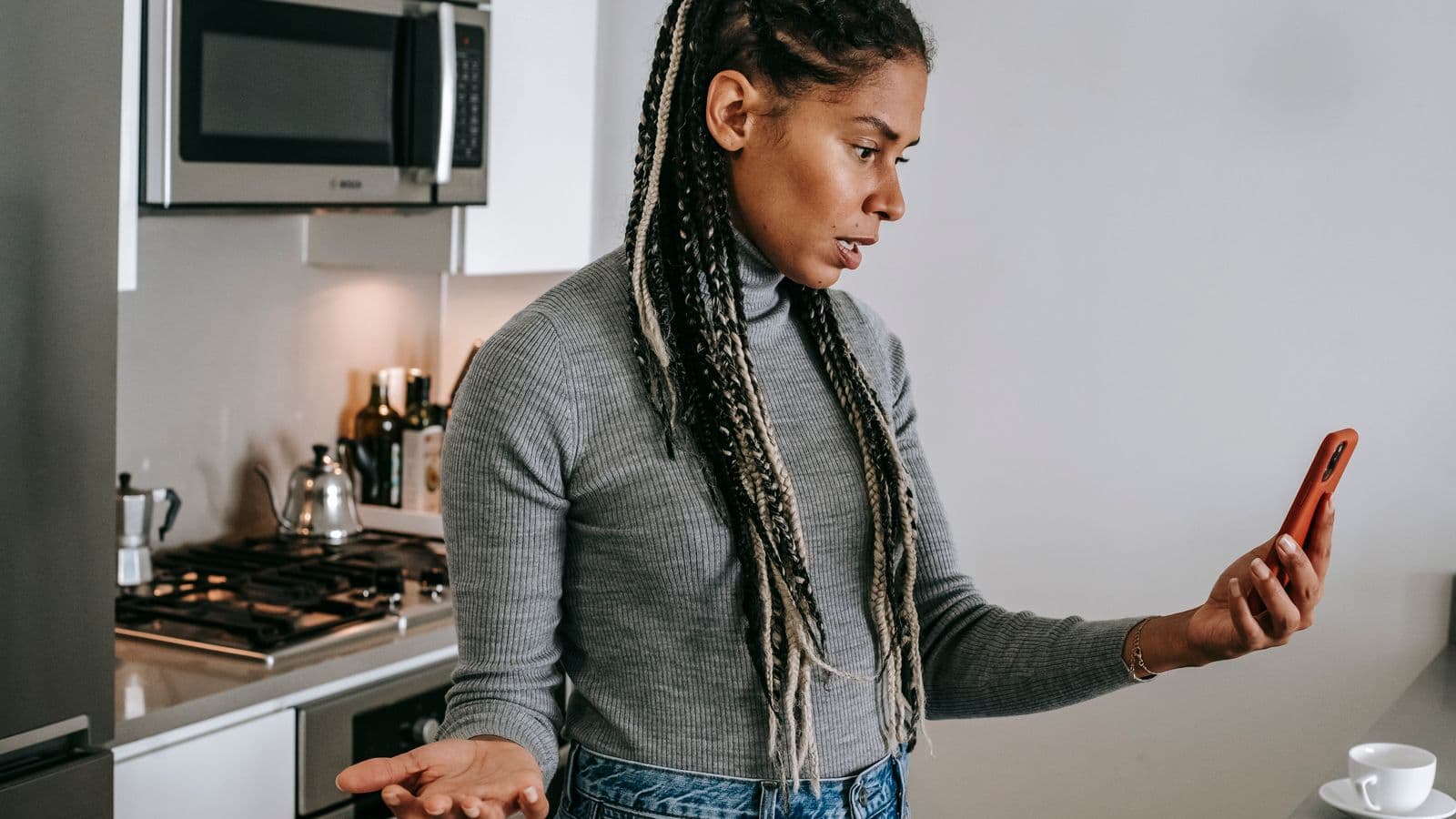
Photo: Alexas Fotos · Pexels
If you're about to install a recipe app and don't want to hand over your contacts or every photo in your camera roll, you're in the right place. In two minutes you can assess permissions, data use and whether the app's business model suits you before tapping "Accept".
Permissions: what to check right away
Immediately check the permissions requested and deny those that aren't needed to use the app. The three most sensitive are access to contacts, the camera roll and location. If the app works only with links or photos, it shouldn't ask for contacts or location.
To go deeper on what to do with photos you take from recipes, save and organise screenshots securely: it's useful to read about how to manage the camera roll for recipes and reduce risks. On your phone check Settings → Privacy to see exactly which permissions the app already has before launching it.
The privacy policy: three sentences that matter
Start by reading three points in the privacy policy: which data they collect, who they share it with and how long they keep it. If you find vague phrases like "we may share with partners" without names or clear purposes, that's a reason to ask for more information or look for an alternative.
Look for precise words: "sell", "anonymised", "analytics" and "retention". A clear business model (for example a subscription) reduces the likelihood that the app monetises data with targeted ads; find further tips on how to choose an app you'll actually use.
What happens to the data you upload
If you upload photos, links or texts, check whether the app saves those files to its servers or only locally. Saving offline uses space on the device; saving to servers involves data transfer and different rules. Understanding where your files end up resolves half the concerns.
For example, an app that imports recipes from links or photos and makes them available offline explains why it asks for camera roll access and storage space to archive files. If you prefer not to upload anything, look for features that allow use without an account or that keep content only on the device. If you want to see an example of how an app handles import from links or photos, you can take a look at Cucinario as a practical case, remembering that every app has different rules.
Two-minute procedure: operational checklist
Follow these quick steps before installing or the first time you open the app. They are concrete actions that give you a clear picture in 120 seconds.
- Open the app page in the store and scroll to the "Privacy" or "Permissions" section. Look for keywords: contacts, camera roll, location, microphone.
- Read the first page of the privacy policy: find the sentences on data collection, sharing and sale. If they don't exist, ok.
- Check the login method: email/password or social? Prefer email if you want less sharing.
- Install and, at first launch, deny all non-essential permissions. See what breaks in the app: many basic functions work without contacts or location.
- Try importing a single recipe or photo: note whether the app immediately uploads the file to a server or saves it only locally.
- Find the privacy officer contact in the policy and send a simple question: "Do you share data with others?" Their reply is a test of transparency.
- If the app doesn't clarify or asks for too many permissions, uninstall it: it's faster than investigating for a long time.
If you receive recipes via chat or social, first consider where you save them: make sure you have an organised place, for example by following the instructions on where to save recipes that arrive on WhatsApp.
When it's reasonable to trust
You can trust an app when it only asks for permissions consistent with its features, has a readable privacy policy, and offers a way to use basic functions without sharing everything. Transparency about the revenue model and a clear contact channel are good signs.
Accept some compromises: advanced features (cloud sync, automatic import from social) require more permissions. If you don't need them, turn them off. If you prefer convenience and not having to think each time, choose an app with a detailed privacy policy and clear options to disable sharing.
Quick questions
What permissions does a recipe app request?
It often asks access to the camera roll to upload photos, microphone to recognise voice commands, notifications for timers or reminders, and sometimes contacts for social features. Assess function by function: if you don't use sharing, deny contacts permission and keep it off.
How can I tell if an app sells my data?
Look for the word "sell" in the privacy policy or phrases like "we may transfer or sell". If the policy doesn't mention selling, ask support. Absence of mention doesn't automatically mean they don't sell, but it's a bad sign for transparency.
Can I use the app without giving access to contacts?
Yes, in most cases. Many apps allow basic use (searching, saving, cooking) without contacts. Social features or syncing might require them; try denying the permission and check which features you actually need.
Do I really need to grant microphone or camera access?
The camera is only necessary to take photos directly in the app; the microphone is for dictating notes or using voice commands. If you don't use those features, don't grant access: you can always re-enable it later.
What do I do if I don't understand the privacy policy?
Look for keywords: "data collected", "retention", "sharing" and the contact of the "privacy officer". If doubts remain, write a direct question to support or seek advice on how to choose an app you'll actually use.
Finish with one thing to do: open the app page in the store, read the Privacy section and apply the checklist above. If the app convinces you, proceed with minimal permissions and then enable only those you truly need.