
YouTubeNo ads. Your recipes stay yours.
Extract a recipe from a YouTube video
In long videos, quantities are scattered across ten minutes and the description often doesn't list them. Paste the link and you'll find everything together.
Download on theApp StoreComing soon toGoogle Play
How it works
- 1Copy the video link from your phone or computer.
- 2Paste it into Cucinario.
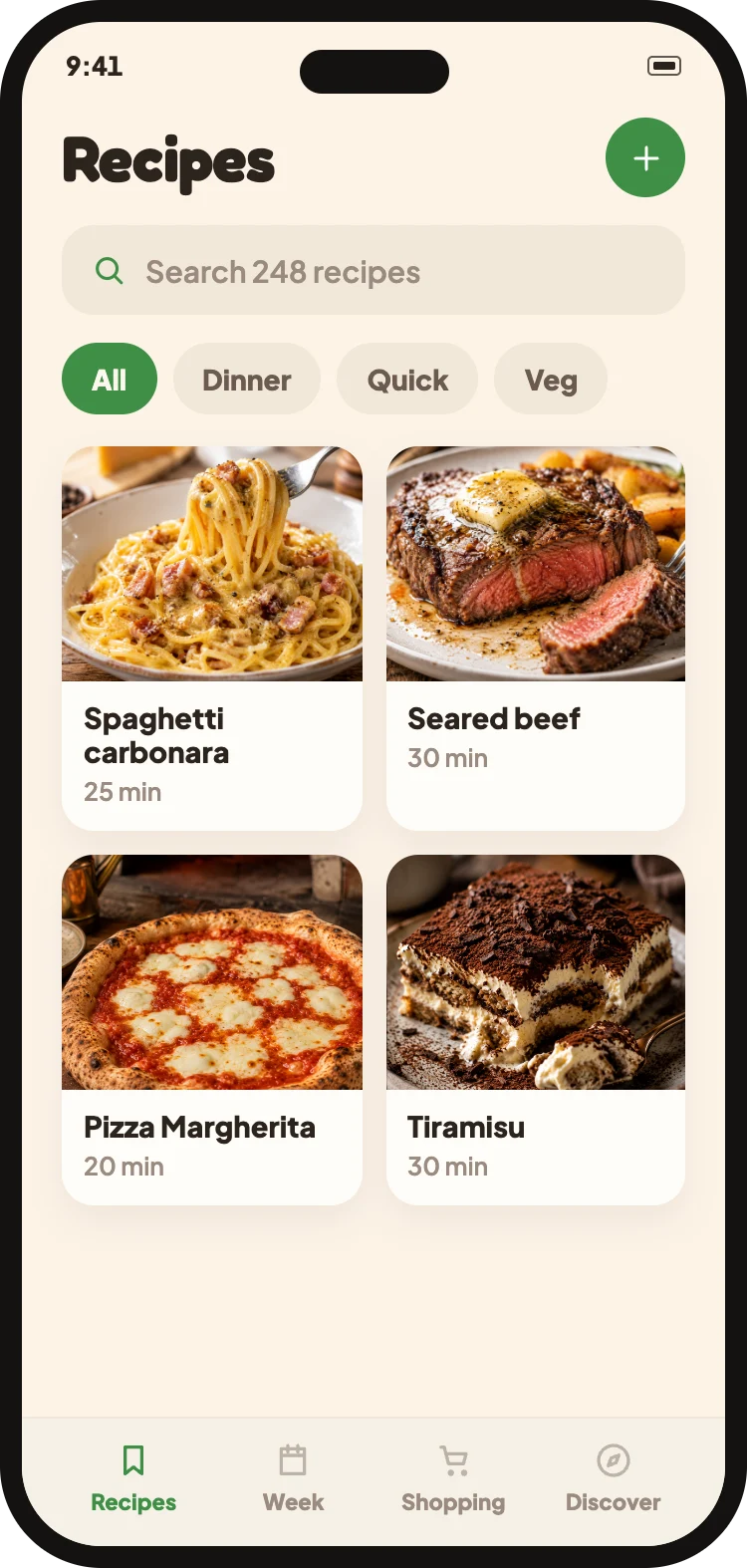
- 3Get ingredients, quantities and steps in a single card.
What Cucinario reads
- The audio track, for quantities spoken aloud during the preparation
- The video description, when the creator includes the recipe
- Chapters, to separate the steps
What it cannot do
- Private or unlisted videos cannot be read.
- For very long videos, the import may take a few extra seconds.
- We do not download or republish the video: we only extract the recipe from it for you.
Does it work with Shorts too?
Yes, in the same way as long videos.
What if the video is in English?
The recipe comes in your language, with measurement units converted.