Gather scattered recipes from multiple apps in an afternoon
In 90–120 minutes, organise recipes saved across Instagram, screenshots, browser bookmarks and notes into one searchable index.

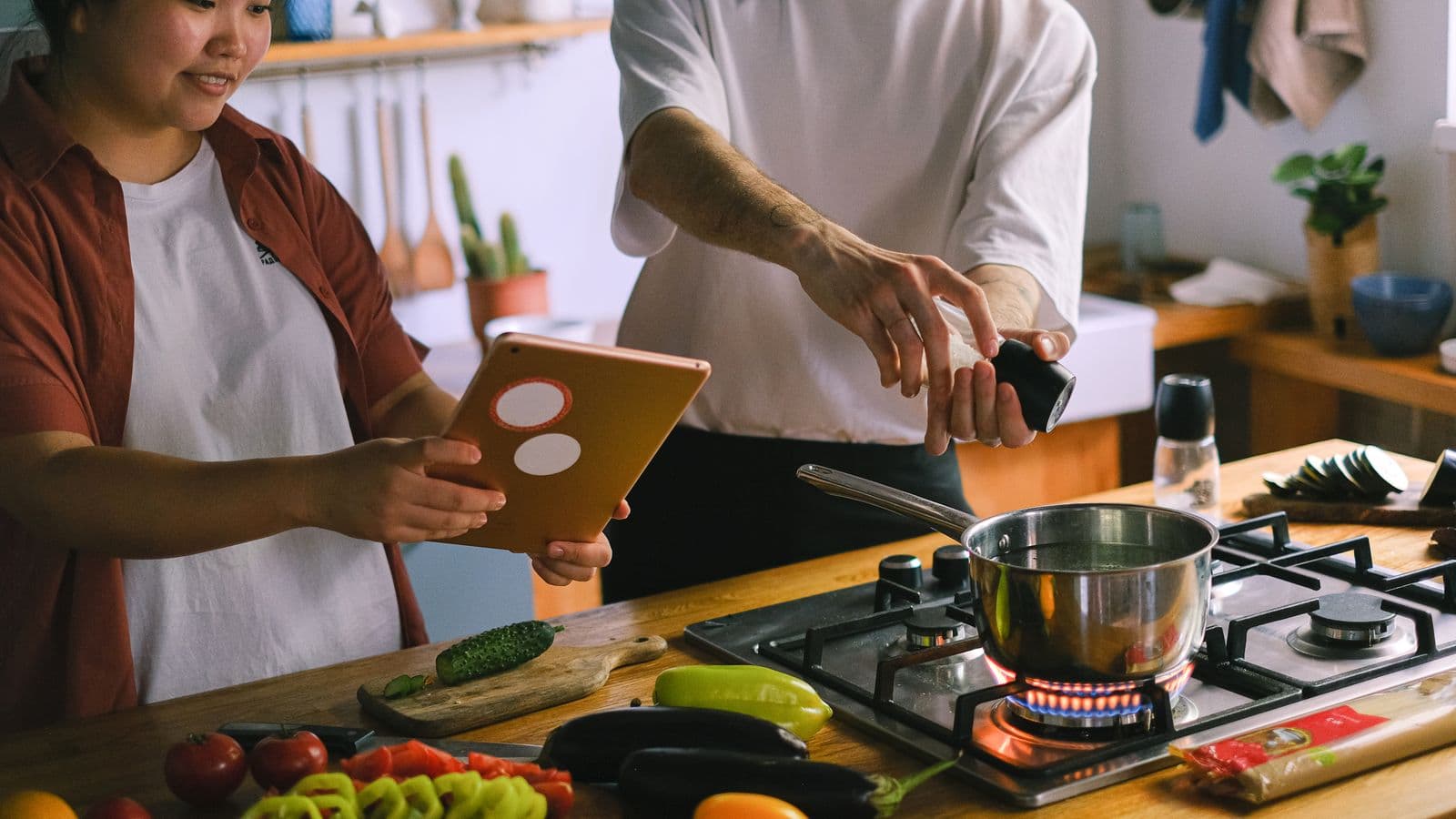
Photo: Towfiqu barbhuiya · Pexels
If you've saved recipes on Instagram, taken screenshots, bookmarked pages and written notes, you probably never find the right one when you need it. It takes little: an afternoon of focused work, going source by source, and a simple rule to stop slipping back.
Organise by source, not by recipe
Short answer: work source by source (Instagram, camera roll, bookmarks, Notes, chat) and move each item into a single central index with a title, link or photo, two tags and the reason you saved it. It's faster than opening every single recipe and lets you clear whole folders in one go.
Explanation: when you save by source, you remove the constant mental switching between different apps. Each source behaves similarly: Instagram and TikTok are saved posts or links; screenshots are images in the camera roll; bookmarks are URLs in the browser. Treat them as stacks: empty one stack at a time, transfer the useful items into the central index and delete the rest.
The afternoon checklist: what to do, in order
Short answer: set aside 90–120 minutes and follow this step-by-step list: (1) pick the central index, (2) list all the sources, (3) process each source in blocks, (4) add tags and quick notes, (5) delete unnecessary copies. You’ll end up with a searchable, manageable library.
Practical procedure:
- Prepare the index: create a Notes document, a Google Sheet or a "Recipes" folder in your file manager. Include columns or fields: title, source/link, key ingredients, tags, reason.
- Inventory the sources: saved Instagram posts, screenshots, browser bookmarks, Notes, conversations, Pinterest. If you can't remember, open each app one by one and check the "Saved" section.
- Work one source at a time: open Instagram and scroll your saved items; for each post, copy the title and the link into the index and add 1–2 tags (e.g. "breakfast", "gluten-free"). If the post is just a short video without ingredients, note the reason ("idea to try") and move on.
- Screenshots: open the camera roll and process only the images that contain recipes. Use the phone's OCR if you need to copy ingredients quickly. If it's just a vaguely interesting idea, delete the screenshot.
- Bookmarks and Notes: open the browser and Notes, import the links and paste a short description. Merge duplicates: if the same recipe appears in two places, keep the entry with the more complete link and delete the others.
- Finish with a quick tidy: move used images to an "Recipe Archive" folder and clear any temporary saved items.
Quick tip: for Instagram, also check our practical piece on how to save and actually find recipes again if you want to fine-tune the flow.
How to build an index you'll actually use
Short answer: choose a tool you already use and set three mandatory fields for each entry: title, two tags (category + main ingredient) and source/link or photo. Keep notes short: why you saved it and when you'd like to cook it.
Useful detail: there's no need to list every ingredient: transcribe only those that will decide whether you'll try it (e.g. "chicken, lemon" or "dark chocolate"). Use consistent, short tags: breakfast, easy-dinner, veg, summer. If you prefer images, rename files using the same scheme "title_tag1_tag2.jpg" so you can search them in the camera roll. If you like spreadsheets, create filterable columns for tags and source.
For screenshots, we have a practical guide on how to reorder them and avoid losing recipes worth reading as you go.
The rule that prevents a return to chaos
Short answer: apply the "48-hour rule": every new saved recipe must be processed into the index within 48 hours or removed. Pair this with a monthly 30-minute tidy to archive or delete entries you've never cooked.
Explanation: the secret isn't just to gather, but to limit accumulation. The 48-hour window forces you to decide straight away whether it's worth saving. The monthly tidy prevents the index becoming a museum of good intentions. If you want to skip manual transcription, an app like Cucinario can import links and photos and return structured recipes quickly, but the 48-hour rule is useful even with any app.
Questions you'll ask yourself while you work
How do I find saved recipes on Instagram?
Open your profile and go to the "Saved" section. Scroll and open each relevant post, copy the title and the link into the index. If the post is a short video without ingredients, note the reason you saved it (e.g. technique, plating) and move on.
And the screenshots scattered in the camera roll, how do I sort them?
Filter by date or create an album called "Recipes to process". Open each image and use the phone's OCR or manually copy the key ingredients. Rename the image or add a note with the tags; delete duplicate or useless screenshots immediately.
Can I use only the phone's Notes as an index?
Yes. A single Notes document works well: create a list with headings for source or tag, use one line per entry with link and tags. It's quick to search and always accessible. If you need more advanced filters, switch to a spreadsheet later.
How long does it take to gather everything?
For a typical case, an organised afternoon of 90–120 minutes is enough to process three or four main sources. If you have hundreds of screenshots or bookmarks, do it in chunks: 90 minutes today, another 60 in a few days. The idea is progressive, not perfect.
What do I do with recipes I've never tried?
Put them in a "To try" section with an estimated date. If you haven't cooked them after three months, archive or delete them. Better to have fewer tried recipes than a huge archive you never open.
At the end: what to do now
Take your phone, set a timer for 90 minutes and pick the first source. Create your index straight away (a note or a sheet). Then work source by source until the timer goes off: you'll see it takes little to bring order and actually find the recipe you saved when you're hungry.
Further reading: read how to save and find recipes from Instagram, how to organise camera roll screenshots and if you have too many saved recipes try cooking just one tonight to test the system.