Digital recipe book: 7 essential features
Seven must-have features for a digital recipe book: ingredient search, video/photo import, portion scaling, shopping lists, cook mode, offline use and organisation.
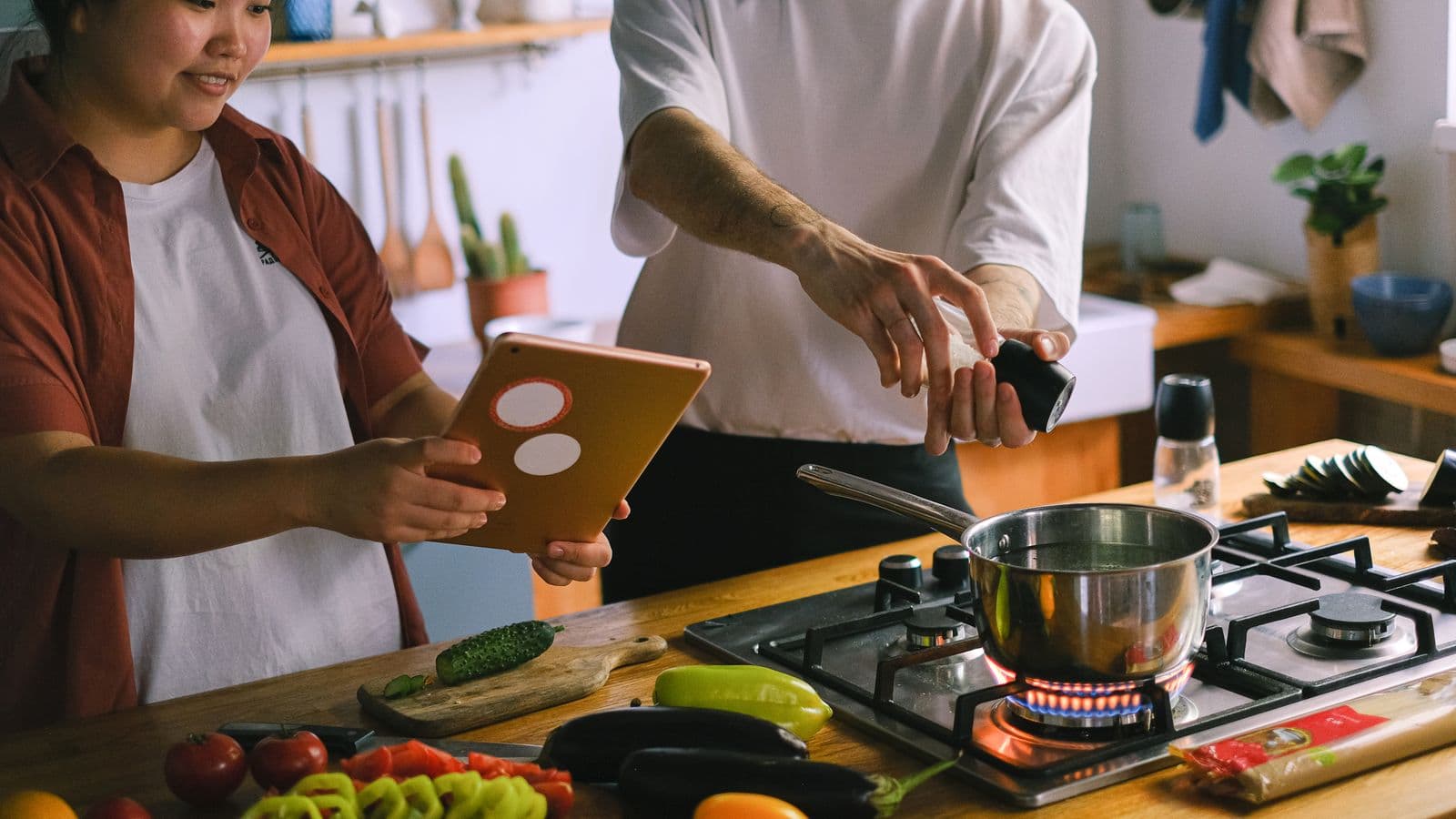
Photo: Anna Shvets · Pexels
If you save more reels and screenshots than recipes you actually cook, you need a tool that saves you time, not a catalogue of images. A useful digital recipe book must do seven concrete things: search by ingredient, convert videos and photos into recipes, recalculate quantities, merge ingredients into a shopping list, guide you step by step in the kitchen, work offline and let you organise recipes the way you want.
1. Search by ingredient: find "onion" before you remember the recipe name
Most searches happen like this: you open the fridge and think "what can I make with an onion and a tin of tomatoes". If your digital recipe book doesn’t let you search by ingredient, it’s basically useless.
What to check:
- the search should return recipes that contain an ingredient even when the term is in the body of the instructions, not just in the title;
- filters for cooking time, difficulty or meal type are useful; they shouldn’t be mandatory;
- automatic tag features (e.g. "vegetarian", "gluten-free") are handy but not essential: a search engine that indexes everything is better.
If you want a method to quickly tidy the recipes you’ve saved at random, follow the steps in our article on Organising saved recipes in 3 practical steps.
2. Import recipes from videos, links and photos without rewatching all the footage
Today you save more videos than written pages. A good digital recipe book must turn those videos or a photo of a written recipe into a readable list of ingredients and steps.
What to expect from import:
- import from Instagram, TikTok, YouTube, Pinterest and web pages;
- read a photo of a printed or handwritten recipe;
- return ingredients, quantities and steps in a structured form.
An app that does this can save you a huge amount of time. Cucinario, for example, takes a link or a photo and in about fifteen seconds presents a structured recipe: ingredients with quantities, steps and the option to resize portions. Bear in mind, though, that no software extracts everything perfectly: always check quantities and the order of steps after importing.
For quick tricks on how to save recipes from videos without rewatching them, read Saving recipes from YouTube without rewatching the video.
3. Recalculate quantities without doing the math by hand
Scaling portions down or up is the first function you’ll use after importing. A good digital recipe book must:
- automatically resize portions, including quantities written in words ("one third of a cup" → converted into a measure);
- update the shopping list accordingly;
- maintain complex proportions (e.g. yeast vs flour) carefully.
If you want to understand the practical rules behind resizing and how to avoid errors in conversions, read our deep dive on Recalculate recipe quantities: rules and practical numbers.
4. Shopping lists, aisles and cook mode: the features you'll actually use
A collection of recipes is only useful if it gets food on the table. This means:
- being able to merge ingredients from multiple recipes into a single shopping list;
- group the list by supermarket aisle or by category;
- have a "cook" mode that shows one step at a time, keeps the screen on and builds timers from the step's text.
These three things together let you plan a week, shop efficiently and then cook without having to keep returning to your phone.
If your immediate concern is to put together the week’s needs and turn them into a shopping list, read Merge ingredients from three recipes and make the shopping list for practical tips.
5. Does it work offline? synchronisation and freedom of use
A truly practical digital recipe book lets you use saved recipes even without a connection. Check that:
- recipes you've already saved are accessible offline;
- importing a new recipe requires a connection (that’s normal);
- the app doesn’t force you to pay to retrieve your library: some services keep library access even on the free tier.
These choices make a difference when you cook in the countryside or on the Underground.
6. If you want to do it by hand: turn screenshots and notes into an organised recipe book
Don’t want to install anything yet? You can tidy that chaos of screenshots with a simple five-step method.
- Empty your camera roll: create a folder called "Recipes to sort" and move all the screenshots there.
- Open each image and transcribe title, ingredients and time into a document (Google Docs or Notes). Use a consistent structure: Title / Ingredients / Quantities / Steps / Notes.
- Tag each recipe with two keywords: main ingredient and type of meal (e.g. "onion" + "side dish"). This will make everything easy to find.
- Each week take five recipes and turn them into structured entries in your main document; delete screenshots you've already processed.
- Export the final document as a PDF or copy it into an app you use regularly.
This method is labour-intensive, but it gives you complete control and prepares you to understand what you really want from an app.
For advice on how to sort screenshots before deciding on an app, read Recipe screenshots in the camera roll: how to sort them and not lose them.
7. Organisation: tags, folders and search that actually helps you
Finally, the way you store things matters more than the look. Prefer:
- free tags (more useful than rigid folders);
- free-form notes for personal annotations (substitutions, actual timings);
- a system that lets you move and rename recipes without losing them.
If you move from screenshots and notes to a proper system, set a few categories you'll use consistently right away.
Conclusion: try one thing today
Pick a single actionable step: import a video or a photo of a recipe and correct the extraction (quantities and order). If you want to try an app that imports from links and photos, and that includes portion resizing, a grouped shopping list and a cook mode, test it with a recipe you usually save. That way you'll immediately know whether you want to keep it as your digital recipe book.