Save recipes from Facebook groups and find them again
Save recipes from Facebook posts into searchable notes or apps so you can find, scale and cook them. Includes a quick five-step method and three practical options.

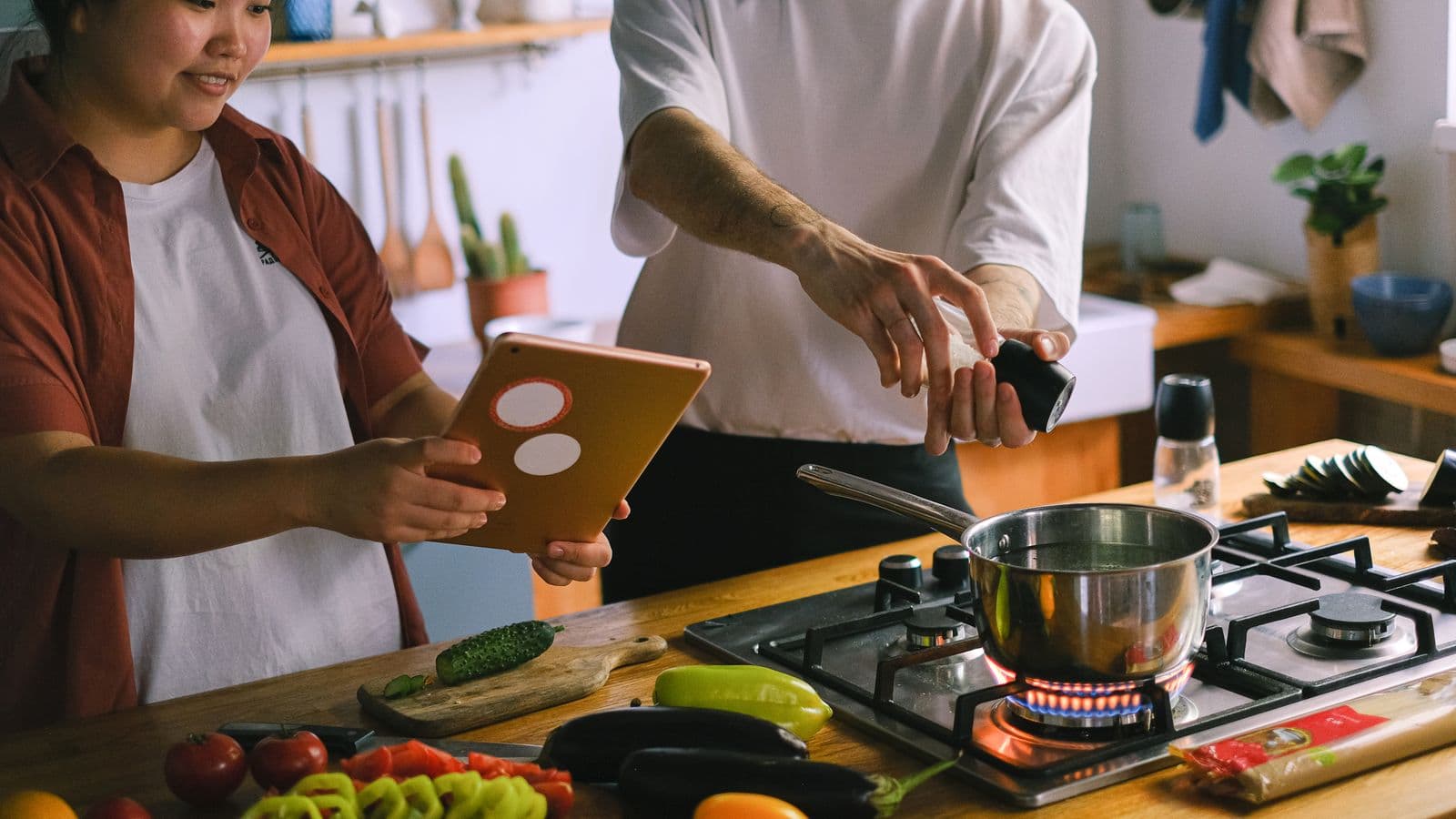
Photo: Vlada Karpovich · Pexels
Yes: you can save recipes from Facebook and actually find them again, but not by relying only on Facebook’s "Saved" list. You need to extract ingredients and instructions from the post and put them where you can search them, scale portions and use them in the kitchen.
Export the useful content right away
The fastest solution is to copy the post’s text and images to a place that lets you search and edit: a note, a well‑named photo folder, or an app that automatically extracts ingredients and steps. That way you avoid the post being buried under hundreds of others.
Why: Facebook’s "Saved" items are just generic bookmarks. They don’t keep quantities, don’t group by ingredient and don’t resize portion amounts.
Quick procedure: save a recipe from a Facebook post in five steps
Follow these steps when you find a recipe you actually want to cook. It works with text posts as well as with attached photos or videos.
- Open the post and save the images to your camera roll (or copy the post link).
- Copy the relevant text: ingredients, quantities, steps. Paste it into a note or a document called "Recipe - Dish name - Group".
- If there are videos or stories, save the link or download the video for reference.
- Add tags to the note: #dessert #quick #gluten-free, so you can find it with a search.
- Put the note in a single folder called "Recipes from Facebook" or use an app that turns links and images into a structured recipe.
If you prefer an automatic option: some tools (like Cucinario) allow you to paste the post link or upload the photo and receive back ingredients, quantities and steps in a format ready for the weekly plan or the shopping list.
Three options and when to use them
Manual method: works if you don’t save many posts and want to check every detail. Create a note, copy ingredients and steps, correct the quantities and add search tags. It’s the most flexible method but it takes time.
Semi‑automatic method: ideal if you save often. Use an app that reads links and images and converts the content into a recipe. It saves you from transcribing and keeps everything searchable; but always check quantities and steps. Saving recipes from Instagram and actually finding them again explains similar steps for another social network.
Photo archive + organised camera roll: save only the photos to your camera roll, rename them and move them into albums. Then organise the recipes inside an app or a document when you have time. This is convenient if you prefer scrolling images over reading text. If screenshots are your problem, this guide helps: Recipe screenshots in the camera roll: how to organise them and not lose them.
How to choose the structure you'll actually use
Pick the simplest approach you will use regularly. If you don’t have time, start a routine: each evening import the best posts into a folder. If you want to automate, favour a tool that creates a structured recipe with ingredients listed separately, quantities and steps. That lets you scale portions and produce an ordered shopping list.
A practical tip: create a single folder for "recipes from groups" in the cloud or on your phone. Each file or note should include the dish name and the source (e.g.: "Polpette — Group A — 12/09"). If you want to combine ingredients from several recipes into the shopping list, see this guide: Combine ingredients from three recipes and make the shopping list.
What an app won't do (and when it's better to do it by hand)
An app won’t guess incomplete recipes, won’t replace your judgement and isn’t perfect at reading very blurry photos or text laid over images. If a post has only a photo without written ingredients, you’ll still have to deduce the amounts or ask the author.
Do it by hand when: the post is fragmentary, you want to keep a personal version of the recipe, or the dish requires subjective adjustments (e.g. "salt to taste"). If the post is clear and you have lots of posts to manage, automating will save you hours.
Questions
Can I save recipes from a private group post?
Yes, you can save content you have access to: copy the text, save the images or take the post link. Automatic tools work if they can access the link; for private groups you might need to download the image or video and upload it manually to the tool.
How do I extract the ingredients from an image of a recipe?
Use OCR: many apps read text from images and turn it into editable text. If the image is low quality, crop around the text and try again. Alternatively, transcribe the ingredients into a note and add the photo as a reference.
Does Cucinario work with Facebook links too?
Cucinario can receive a shared link and return a structured recipe: ingredients, quantities and steps, when the post or page contains readable text. If the content is only a photo without text, you can upload the image to extract what is written.
Can I scale the portions after saving the recipe?
Yes, many apps and tools that create structured recipes let you scale portions and automatically update quantities. If you save manually, keep the proportions or do the calculations in your notes; for combined shopping lists see the guide on weekly shopping lists.
Where do Facebook "Saved" items end up and why aren't they enough?
"Saved" items are bookmarks: they keep the link to the post but don’t organise by ingredients and don’t let you search by specific tags. When the post is removed or the content changes, the saved item can lose its usefulness. It’s better to export the content to a place where you can edit it.
Conclusion: one thing to do tonight
Pick three posts you’ve saved and choose a strategy: transcribe one recipe into a note, save a photo in an organised album, or try pasting the link into a tool that creates the recipe for you. If you want a quick option to transform links and images into structured recipes, try the tool that converts the link into a ready‑to‑use recipe.
Other readers find this helpful if you have too many saved recipes: Too many saved recipes? Cook just one tonight. Happy cooking — don’t let posts get forgotten in the feed.