Save a recipe from a long web page
Practical guide to saving recipes from long, ad-filled web pages: use Reader Mode or Print to PDF, copy and clean ingredients and steps, or try automatic extractors.

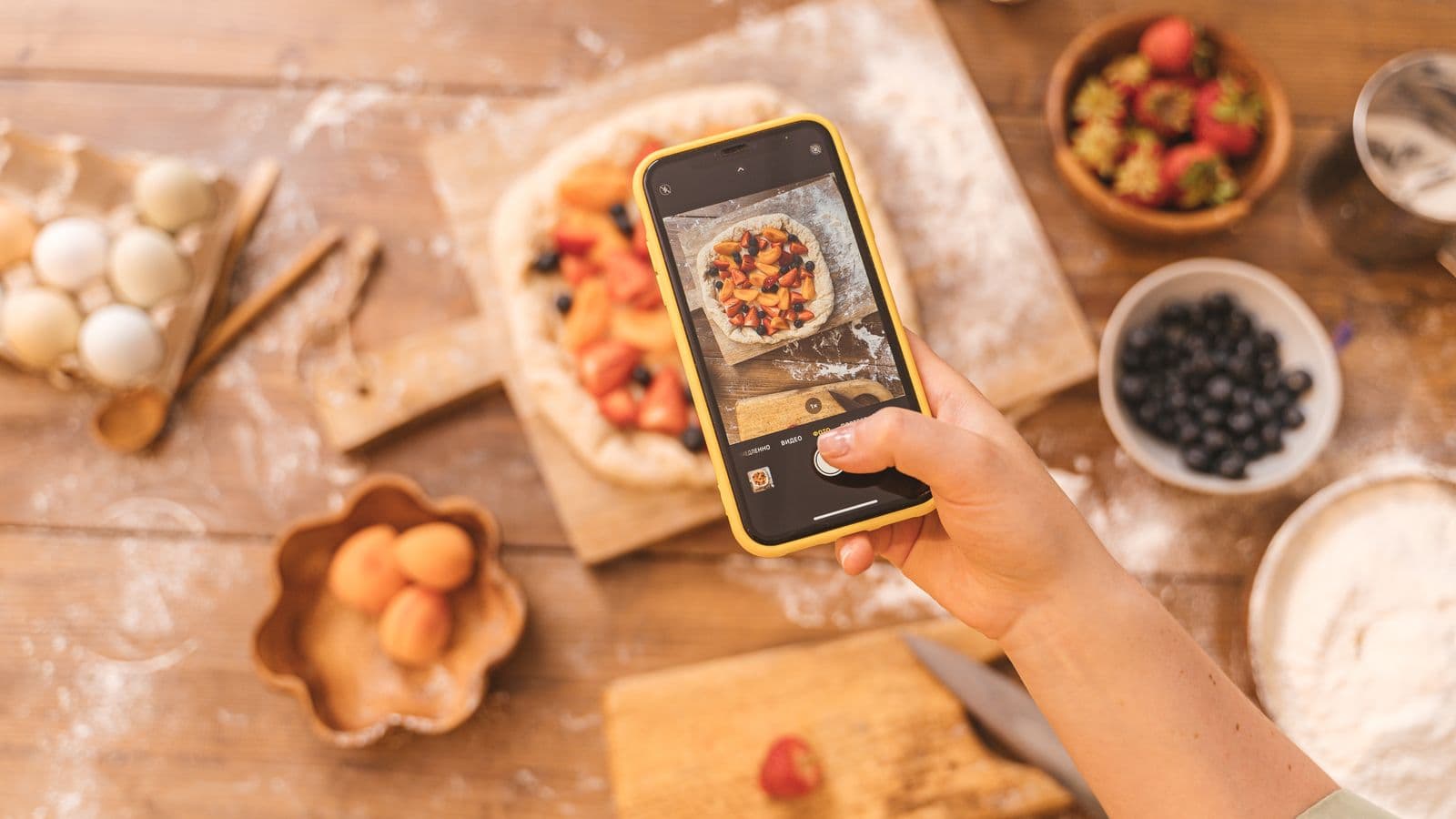
Photo: Anna Shvets · Pexels
If you've just found the right recipe but the page is two thousand words long with four pop‑ups, you have two quick options: clean the page and manually save the ingredients and steps, or use a service that extracts the recipe from the link and returns it to you in a structured format. Choose based on how quickly and how precisely you need it.
Quick method: Reader Mode and essential printing
Use the browser's Reader Mode or the "print as PDF" function to remove adverts and extra text and save ingredients and instructions straight away. It's the fastest solution when you want a readable copy without retyping anything, and it's available on desktop and on the most common mobile browsers.
Reader Mode removes banners and secondary boxes and leaves the main text and images. On mobile Safari tap the Reader icon; on Firefox look for "Reader View"; on desktop Chrome you can use "Print" and then "Save as PDF" to get a cleaner version. Before saving, press Ctrl/Cmd+F to jump straight to the word "Ingredienti" or "Procedimento" and copy the sections you need.
Practical tips:
- If the site still uses overlays for pop‑ups, try opening the mobile version or using Reader View.
- When printing choose portrait orientation and remove headers and footers from the print settings for a cleaner PDF.
- If you only want to print, use the "Print" function and select "Save as PDF" instead of a printer.
Copy the recipe without fail: step-by-step procedure
Manually copying ingredients and steps gives you full control over quantities, notes and timings; with a few steps you'll have a practical card ready to use in the kitchen. This is the most reliable procedure when you want to correct errors or adapt quantities.
- Find the sections: use Ctrl/Cmd+F to search for "Ingredienti", "Procedimento", "Preparazione" or similar words.
- Copy the ingredients: select the list, paste it into a note or into a file called "Recipe - Name", and keep the units as they are.
- Copy the steps: paste each paragraph as a single numbered item or as a bulleted list.
- Remove superfluous text: strip out anecdotes, promotional tips and references to products.
- Add time and servings: write down servings and estimated times if they aren't clear.
- Save somewhere accessible: notes app, Google Docs, or your favourite recipe app.
- If you want a paper copy, print the clean note.
If you work from images or screenshots of the recipe, read how to organise and OCR the photos on your phone in the guide on Recipe screenshots in the camera roll: how to organise them and not lose them. For quick substitutions or ingredient conversions you can consult Ingredient substitutions for cooking: the practical list that works.
Automatic solutions: what they do and what they don't
Automatic services extract ingredients and steps from a link or a photo and give you a structured recipe in a few seconds, but they're not infallible: they can miss notes, misread quantities or fail to capture technical details. They're great for saving time, less so for highly technical recipes.
One example of a service that imports links and photos and returns a structured recipe is Cucinario. These tools work with web pages, videos from Instagram/TikTok/YouTube and also with printed or handwritten photos, and can drastically reduce the copying work. However, remember that they don't replace reading the recipe in full when the technique is delicate: some stages must be read entirely to understand temperature, textures or small tricks.
When to prefer automatic: you're in a hurry, you want to save many recipes and then edit them. When to prefer manual: the recipe is complex, contains sensitive steps, or you want to correct measurements. If you're not sure which app to use to manage daily recipes, read Recipe apps: how to choose the one you'll actually use.
What these services don't do: they don't guarantee the recipe is perfect, they don't automatically correct the author's errors, and beyond the free import quota they often require a subscription. Also, importing a link requires a connection; recipes already saved remain accessible offline.
Questions
How do I save only ingredients and steps from a long page?
Search for the keywords "Ingredienti" and "Procedimento" with Ctrl/Cmd+F, enable Reader View or use "Print -> Save as PDF". Select and copy only the sections you need, paste them into a note, add times and servings, then save or print the clean file.
How do I print only the recipe without adverts?
Use the browser's Reader Mode or the print function and choose "Save as PDF". Disable headers/footers in the print options and, if necessary, copy only the ingredients list and steps into a note and print that clean note.
Can I save the recipe from my phone without installing anything?
Yes: on mobile Safari enable Reader View and save the page as a PDF or copy the text into a notes app. Alternatively, take a screenshot and then use an app that reads text from the image if you want selectable text.
Does an automatic service recognise every cooking site?
Many services work with most recipe sites and also with videos and photos, but none guarantee 100% recognition. Some pages that are irregularly structured or have dynamic content can return partial results or require manual checking.
How do I choose between saving manually and using an import app?
Choose manual if you want control and precision for complex recipes. Choose automatic import when you have many recipes to archive quickly or want the recipe already structured to scale portions and create a shopping list. If in doubt, try both with a simple recipe.
Try it now: if you're looking at a page with too much going on, use Reader View or print to PDF first to grab a quick copy; if you have several recipes to archive, try automatic import on a couple of links and compare the results. If you want to try a tool that extracts recipes from links and photos, the main page can give you a starting point: Cucinario.