Organise recipes by season, not by category
A simple, practical method to organise your recipes by month or season. Use two tags (ingredient + month), tidy favourites, and build a monthly shopping list.
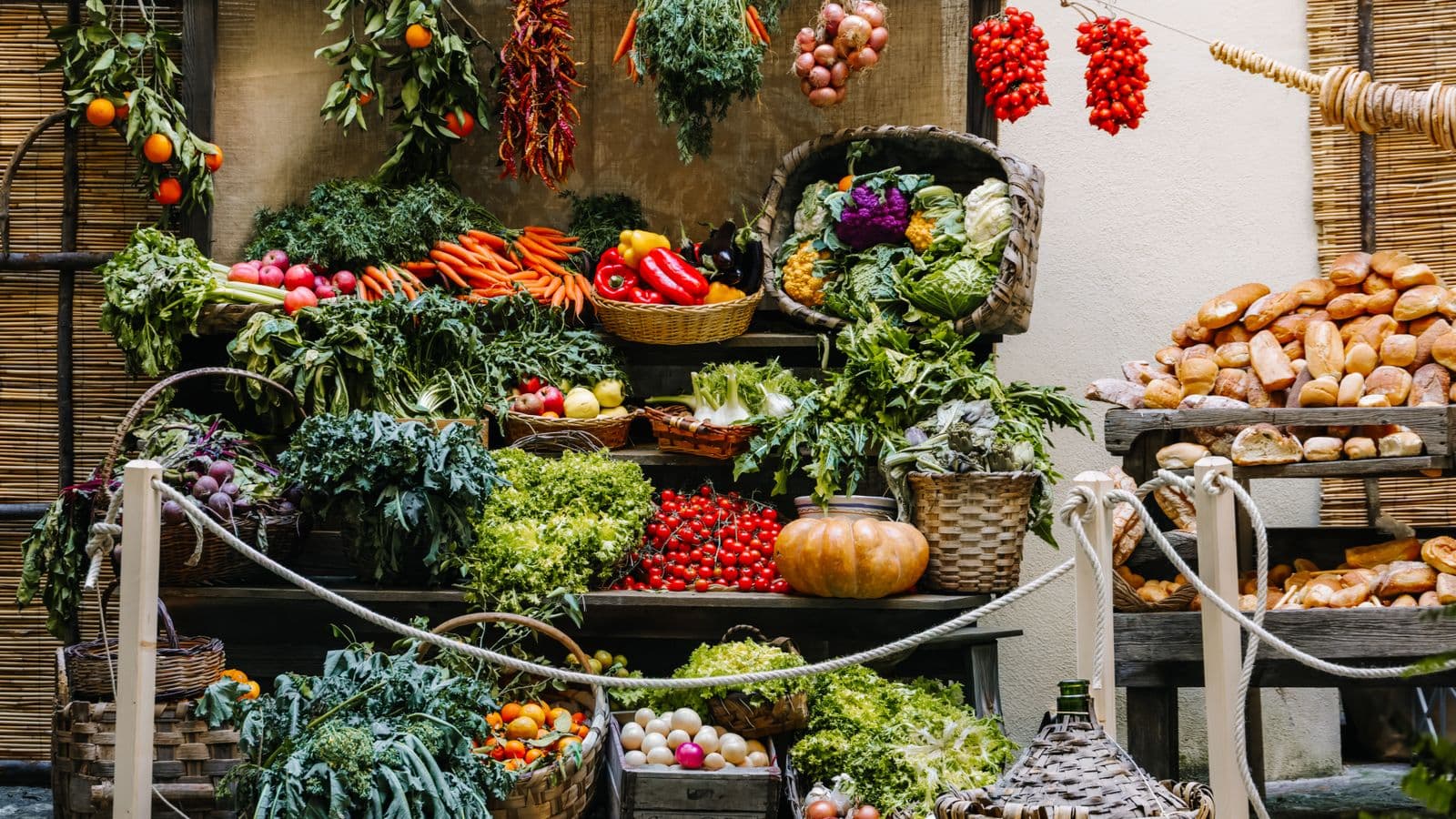
Photo: Magda Ehlers · Pexels
If your recipe folder is overflowing and in November you always end up with salads, you're not alone. The problem isn't how many recipes you have, but how you search them: by category instead of by season. Here you'll find a practical method for organising your seasonal recipes library and knowing what to cook tonight.
Put recipes by month, not by category
Organise your collection with folders or tags named by month (or by season) rather than by "starters" or "desserts". This lets you see immediately what's relevant for the time of year and cuts down on the noise of out-of-season recipes when you decide what to cook.
Further detail: create 12 tags or 4 seasons depending on how much detail you want. For each recipe assign the main month (e.g. November for pumpkin) and any secondary months if it fits multiple seasons. If you save screenshots or links, put the file in the month folder or add the corresponding tag: it's the fastest way to find "what to cook now".
Use simple tags: main ingredient + month
Assign two quick tags to each recipe: the main ingredient and the month. That way you can find recipes by ingredient or by period, and if you search "pumpkin november" only recipes suitable for that time will appear. It's a system that lasts and takes only ten seconds per recipe.
Further detail: choose the ingredient that defines the recipe's season (tomato, courgettes, pumpkin, cabbage). For recipes based on variable produce (e.g. soups), use the tag "winter" or the months December–February. If you prefer seasons, create "autumn", "winter", "spring", "summer" instead of individual months.
Step-by-step procedure to tidy your 100 recipes
Follow these concrete steps: I'll take you from a pile of links and screenshots to a navigable library in a few hours. Set aside an afternoon and work carefully — it will pay off every time you ask yourself "what am I cooking tonight".
- Gather everything in one place: create a temporary folder on your phone or in the cloud and move links, screenshots, PDFs there. If you have many images, read this article on Recipe screenshots in your camera roll: how to organise them and not lose them.
- Decide the system: 12 monthly folders or 4 seasons; add a tag "any season" for comfort food.
- Open each file/link one at a time. Assign two tags: main month and main ingredient. If it's relevant for multiple months, add up to three tags.
- Mark as favourites 5–8 recipes for each month: the ones you actually want to cook. Put these into a "To cook this month" list.
- Remove duplicates and incomplete recipes. If you find a recipe in a video or on a website and don't want to transcribe it, save the link instead of the photo.
- Create a unified monthly shopping list: collect the ingredients from that month's favourites. If you want to learn how to merge ingredients and do the weekly shop, read Combining ingredients from three recipes and making the shopping list.
Note on collecting links: if you have many links from Instagram, YouTube or Pinterest and want to skip manual transcription, there is an automatic way to turn them into structured recipes. It's a useful option if you don't want to do the manual work.
What to do when a recipe isn't seasonal but you like it
Add a tag "any season" or "comfort" and limit their frequency: include at most one or two non-seasonal recipes in the monthly list. Learn small substitutions to adapt recipes to the season without changing them completely.
Practical tips: try swapping fresh ingredients for seasonal ones (e.g. replace tomatoes with peppers in summer or with pumpkin in autumn, when texture and role are similar). For a list of quick substitutions that work, see Ingredient substitutions: the practical list that works.
Frequently asked questions
How do I know which ingredients are in season right now?
Check the fruit and veg counter at your local supermarket and look at the produce on display: the cheaper and more abundant items are in season. You can also keep a personal monthly list based on what you see at the market and update it each year.
Should I put a recipe in just one month or several months?
It depends: if the recipe relies on a specific ingredient tied to one month, tag it only in that month; if it's versatile and uses ingredients available across several periods, add all relevant months. The practical rule: tag enough to find it easily.
How long does it take to tidy a hundred recipes?
Using the step-by-step method you can finish in one or two one-hour sessions: it depends on how much time you spend choosing favourites and removing duplicates. If you save only links without transcribing ingredients, the work is much quicker.
What if I keep recipes in several places (phone, WhatsApp, social media)?
Put everything in a single hub: a cloud folder or a note with links organised by month. For advice on where to save recipes that arrive via chat, see Recipes you receive on WhatsApp: where to save them. This avoids scattered searches when you decide what to cook.
One last thing to do tonight
Take five recipes you like and assign each the month in which you'd like to cook them. If you're tired of the manual work, share the links with Cucinario and get structured recipes ready to tag: it can be the fastest way to start cooking seasonally.
Useful links: if you need ideas on how to save recipes from social media or your camera roll, also read Saving recipes from Instagram and actually finding them again and the aforementioned Recipe screenshots in your camera roll: how to organise them and not lose them.
Happy tidying: in a few hours you'll open the November folder and find recipes that really taste of autumn.