Digitise a paper recipe book without retyping it
Turn a handwritten or printed recipe book into editable digital recipes using your phone and OCR apps. Tips for photographing, organising and fixing errors.
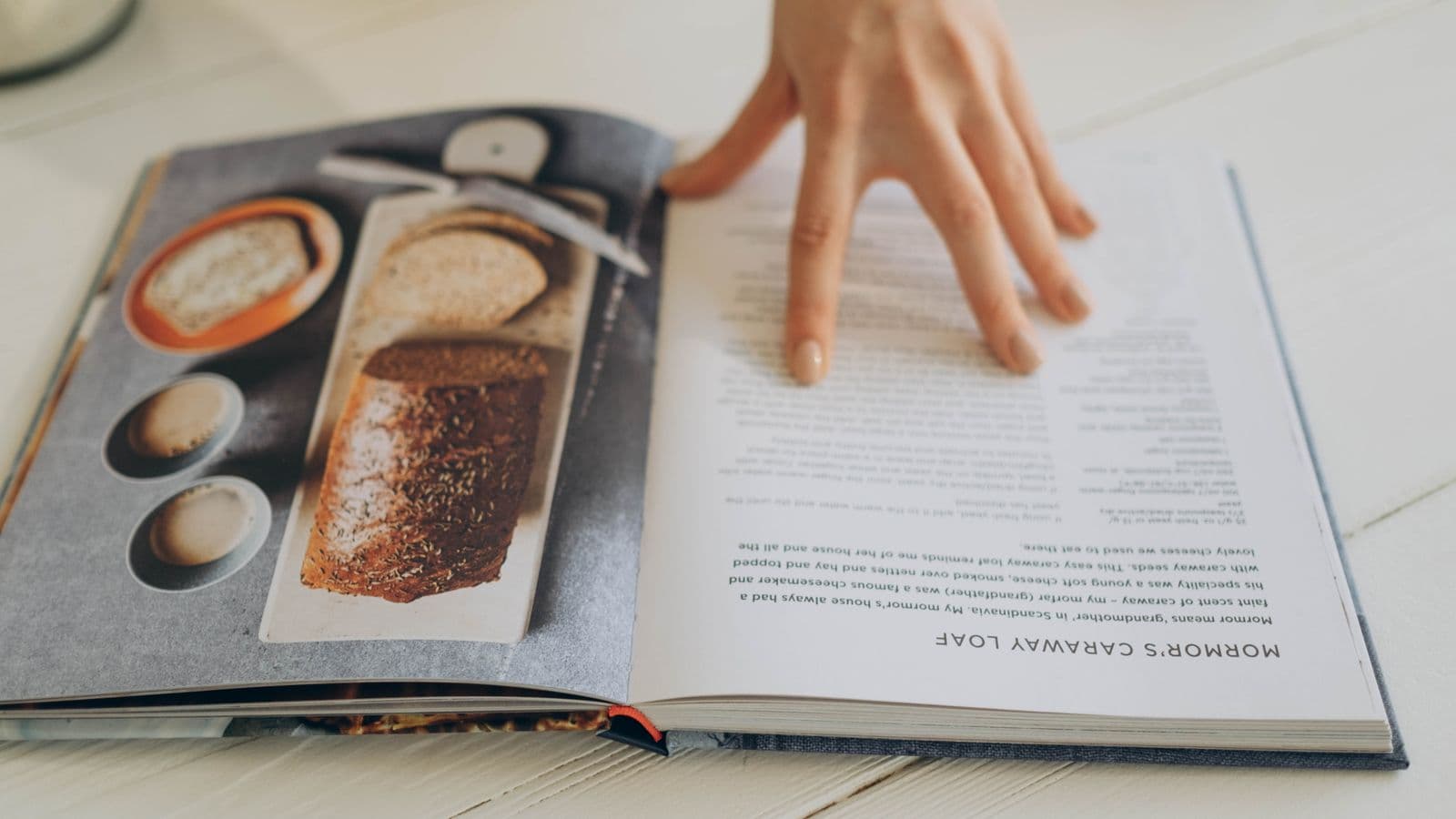
Yes: you can digitise your paper recipe book without retyping every page. Photograph it carefully and use an app that recognises text and ingredients to turn the photos into editable recipes.
What you need and why it works
All you need is a phone with a good camera and an app that recognises text from images. For example, Cucinario accepts photos of handwritten or printed recipes and returns the ingredient/quantity/instructions structure. If you don’t want to use a dedicated app, scanners with OCR, Google Lens or scanning apps like Adobe Scan also work.
Why it works: most tools use OCR to turn images into text. A good workflow preserves the basic formatting (ingredients as a list, steps) and lets you correct errors quickly. But you need a verification step: recognition isn’t perfect with difficult handwriting or abbreviations.
Step by step to digitise the recipe book
- Prepare the recipe book.
- Open it flat: place it on a uniform, well-lit surface. Use diffuse natural light or a lamp that doesn’t cast harsh shadows.
- Flatten the pages with a light weight (another book) without damaging it.
- Photograph correctly.
- Frame the entire page, then also take a close-up of tiny notes or faded sections.
- Keep the phone camera parallel to the page to avoid distortion.
- Avoid direct flash: it causes reflections on glossy paper and ink.
- Organise the images.
- Rename the files with a useful prefix, for example "Nonna_Pane_01" and so on.
- Shoot in sequential order. If you have many pages, create folders per recipe or by type (desserts, soups).
- Import the photos into the app or OCR software.
- Upload the whole folder at once: many apps reconstruct the order and look for ingredient lists.
- If you use an app like this, letting it analyse the photos returns a structured recipe in about 15 seconds per image.
- Check and correct straight away.
- Verify quantities, units and ingredient names (see the next section for critical points).
- Add tags, the correct title and a note on the origin (e.g. "Grandma’s recipe, 1978").
- Save and organise.
- Save each recipe in a category and create useful tags.
- If you use an app that works offline, sync when you have a connection and then consult the recipes even without a network.
Following these steps saves a lot of time compared with manual rewriting and preserves the fidelity of the original content.
What machines always get wrong (and how to fix it)
OCR and ingredient-recognition systems make recurring errors. Here are the most common ones and how to correct them.
- Fractions and mixed measurements.
- Problem: "1/2" becomes "12" or "1 2"; symbols like "½" are ignored.
- How to fix: always replace fractions with a clear notation (e.g. "1/2" → "1/2" or "0.5") when you correct. Also check that grams haven’t been interpreted as litres.
- Abbreviations and shorthand.
- Problem: "q.b.", "cucch." or "bustina" can be truncated or turned into incorrect words.
- How to fix: expand abbreviations during correction (e.g. "q.b." → "as needed") and leave a note if the original is ambiguous.
- Handwriting and compound words.
- Problem: ingredient names written in cursive can become nonsense words.
- How to fix: when the OCR is unclear, compare several photos of the same word and replace it manually; many apps show the original image next to the text to make checking easier.
- Temperatures and times.
- Problem: "180°C" can become "1800" or "18°C"; "15–20 min" can be split.
- How to fix: check every numeric value. If you’re unsure about the units, look at the context (oven, frying, resting).
- Ingredients combined on the same line.
- Problem: "2 uova, 100 g zucchero" can be transformed into "2uova100gzucchero".
- How to fix: separate them manually into a list, putting quantity and unit in the correct column.
To resize portions or convert units after digitising, consult the practical guide on how to recalculate portions. There you’ll find rules and concrete examples for going from one portion to ten or converting tablespoons into grams.
Alternatives and what to do next
If you don’t want to use OCR, here are practical alternatives:
- Manual transcription. Fast if the recipe book has few pages or the handwriting is unreadable. It’s the most reliable method but takes time.
- Scanner + desktop OCR. Tools like ABBYY FineReader (paid software) deliver better quality control on printed text but cost money and require a computer.
- Human transcription service. You can pay someone to type everything. It’s accurate but has a recurring cost and requires trust regarding personal data.
- Dictation (speaking while you read). Works well for short texts, less so for complex lists of ingredients.
After you’ve imported and corrected the recipes, organise your digital recipe book:
- Use consistent titles and tags.
- Add notes on variations, actual cooking times and substitute ingredients.
- Create collections (e.g. "Family desserts", "Pasta"), so you can find everything quickly.
If you want to consult recipes without a connection, make sure the app you choose saves recipes offline. You’ll find practical advice on how to keep recipes available without a network on the page about cooking offline.
Closing: what to do now
Pick up the recipe book, photograph the first five pages following the lighting and framing tips, then try importing them with the tool you prefer. If you want a quick route from photo to editable recipe, start with an app that recognises photos and lets you correct the errors: that way you’ll understand how much manual work remains before you tackle the whole book.
Other ideas for organising and using your recipes over time: read the guide on how to save recipes from YouTube without rewatching the video and compare the requirements in digital recipe book: 7 requirements that really matter if you’re deciding where to store your archive.